 G9
G9I committed to the wrong branch
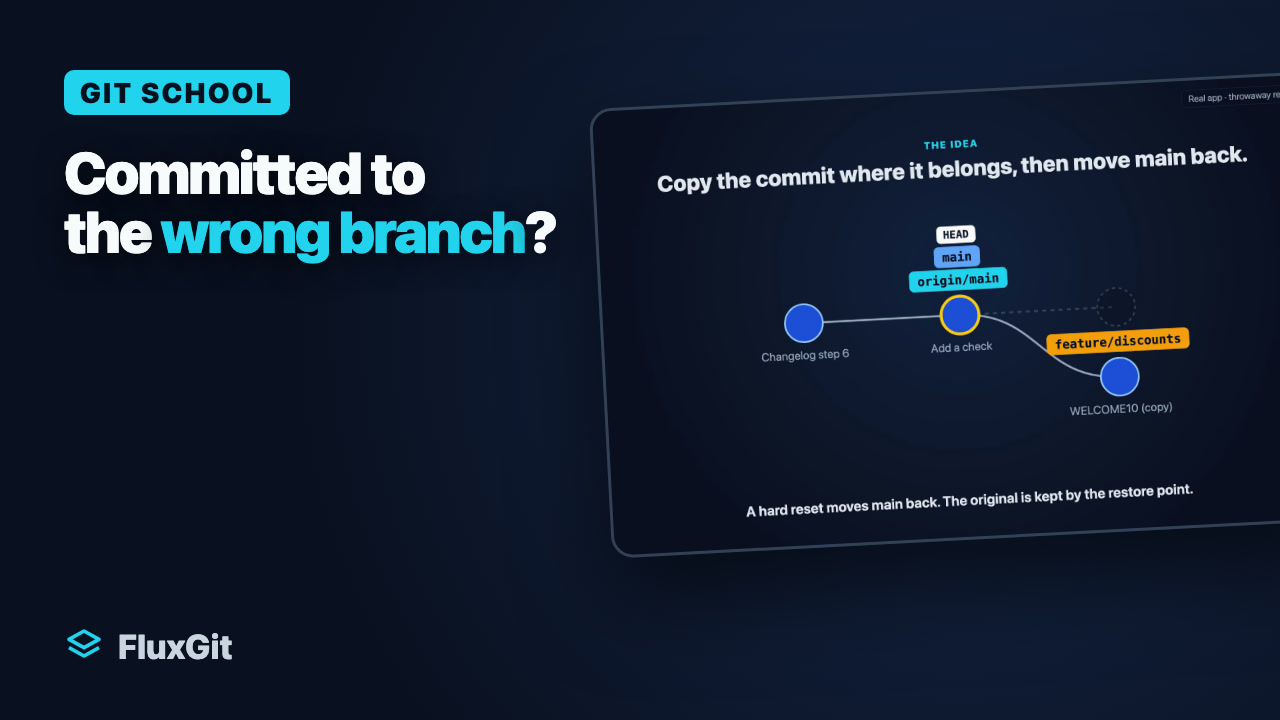
You made a commit on main that belongs on feature/discounts, and you have not pushed it yet.
Move "Apply discounts" to feature/discounts and take it off main.
Fix everyday Git problems in an interactive repository. Try the commands, see the graph change, and continue with the guide and video.
Choose a lesson or explore freely. Run the suggested Git commands and watch the repository change.
Practice uses a simulated repository in your browser memory. It does not access your files or connect to a real remote repository.
Explore a small repository without a set goal. Try supported commands and see what changes when a teammate pushes.
This simulator supports a subset of Git commands. Unsupported commands explain their limits in the terminal.
G9You made a commit on main that belongs on feature/discounts, and you have not pushed it yet.
Move "Apply discounts" to feature/discounts and take it off main.
Your last commit says "Add stylsheet" and left style.css out. You have not pushed it yet.
Replace the last commit with one that has style.css and the message "Add stylesheet", then push it.
 G5
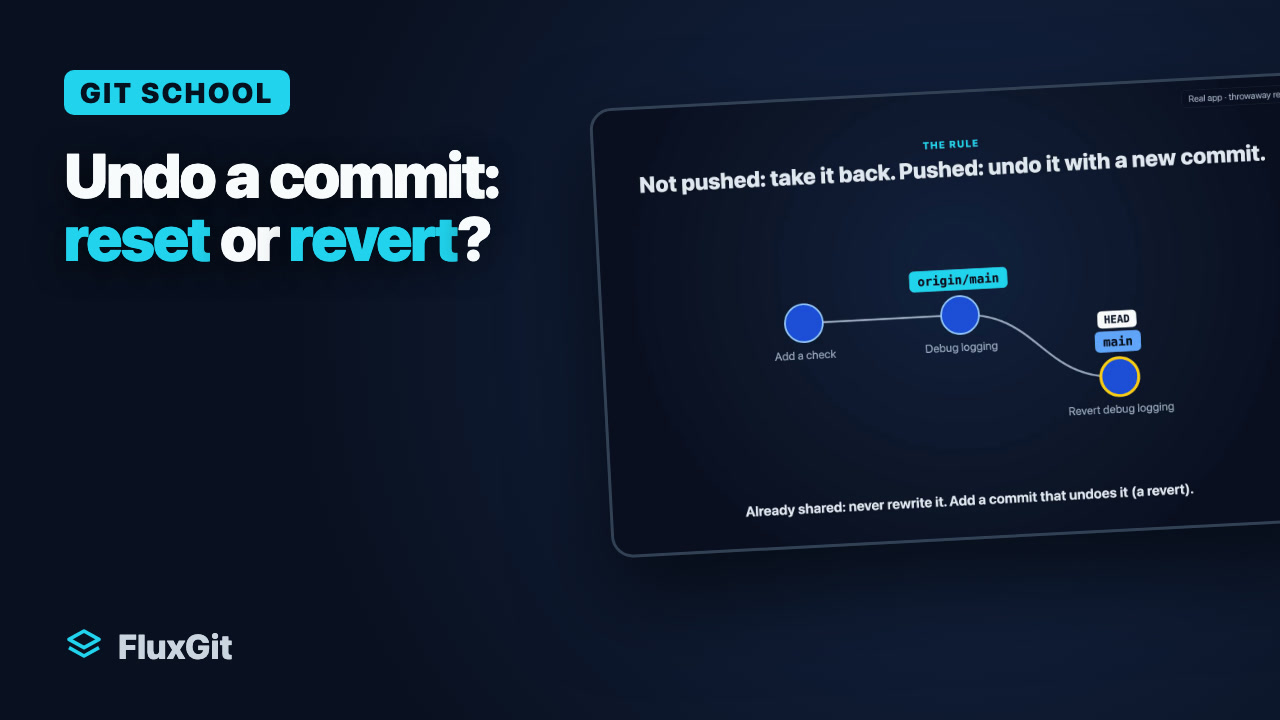
G5Your last commit should not exist. One is only on your machine; an older one is already pushed.
Undo the local commit, then undo the pushed one without rewriting shared history.
 G8a
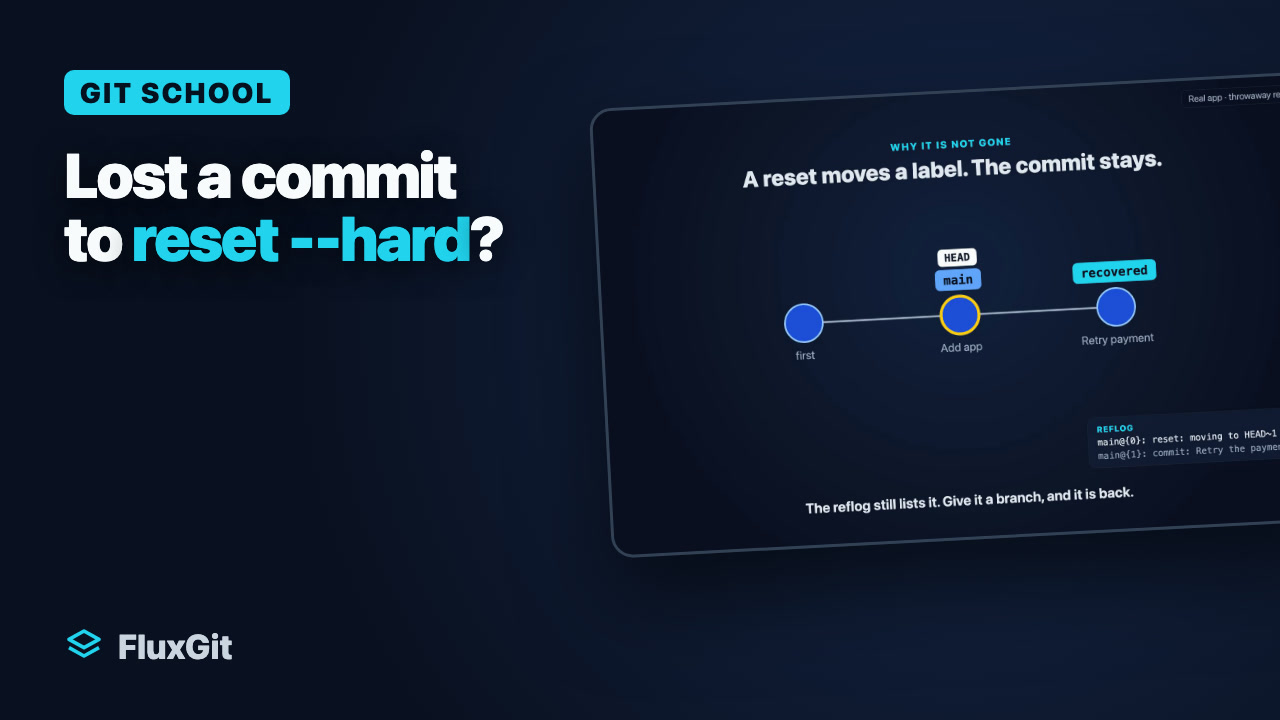
G8aYou ran git reset --hard HEAD~2 and two commits disappeared.
Find the lost commits and bring main back to them.
main and feature/title both changed the same line of index.html.
Merge feature/title into main and keep a title you choose.
 G10
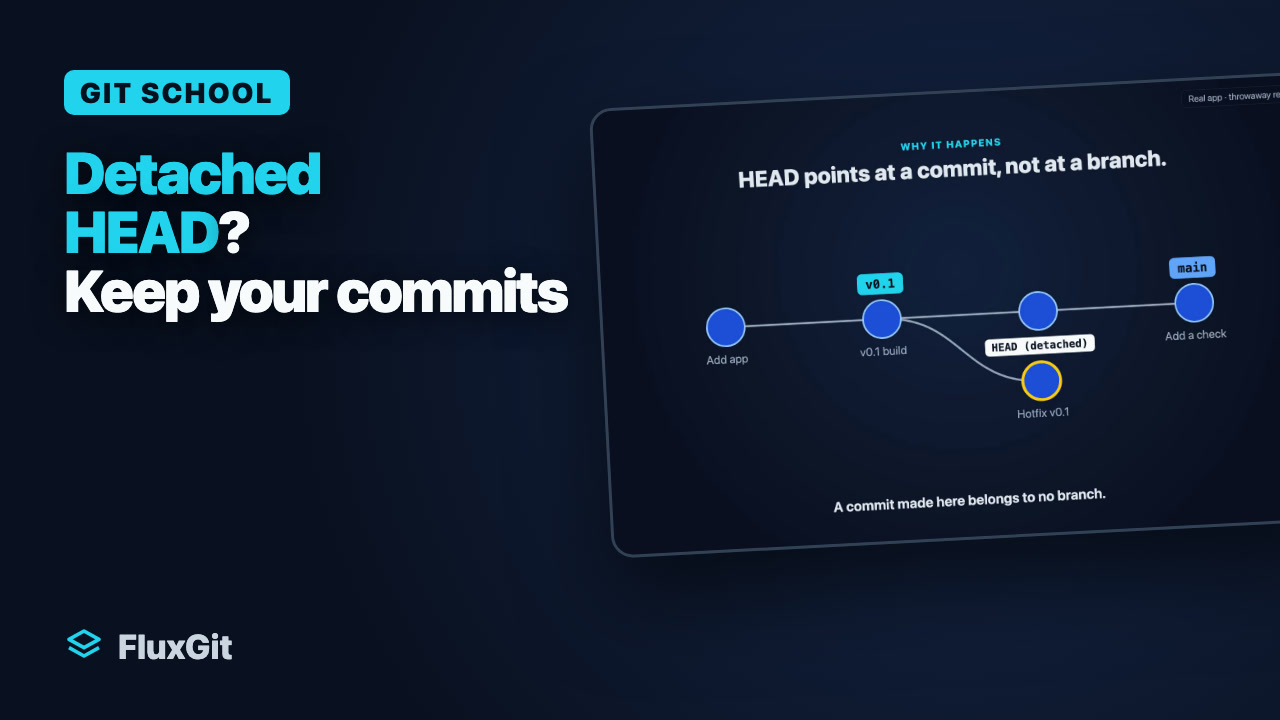
G10You checked out an old commit, made a commit there, and Git says "HEAD detached".
Put your commit on a branch so it cannot get lost.
 G11
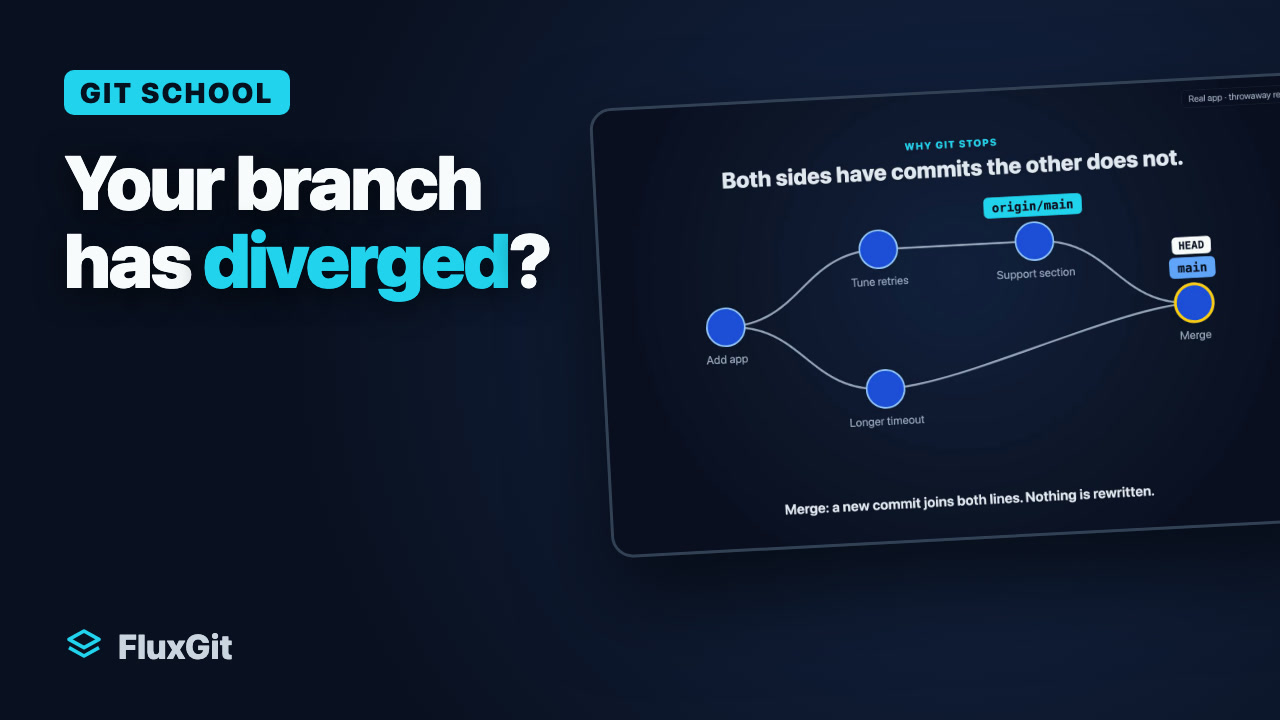
G11You committed while a teammate pushed. Now git status says your branch and origin/main have diverged.
Bring in your teammate's commit, keep yours on top, and push.
 G12
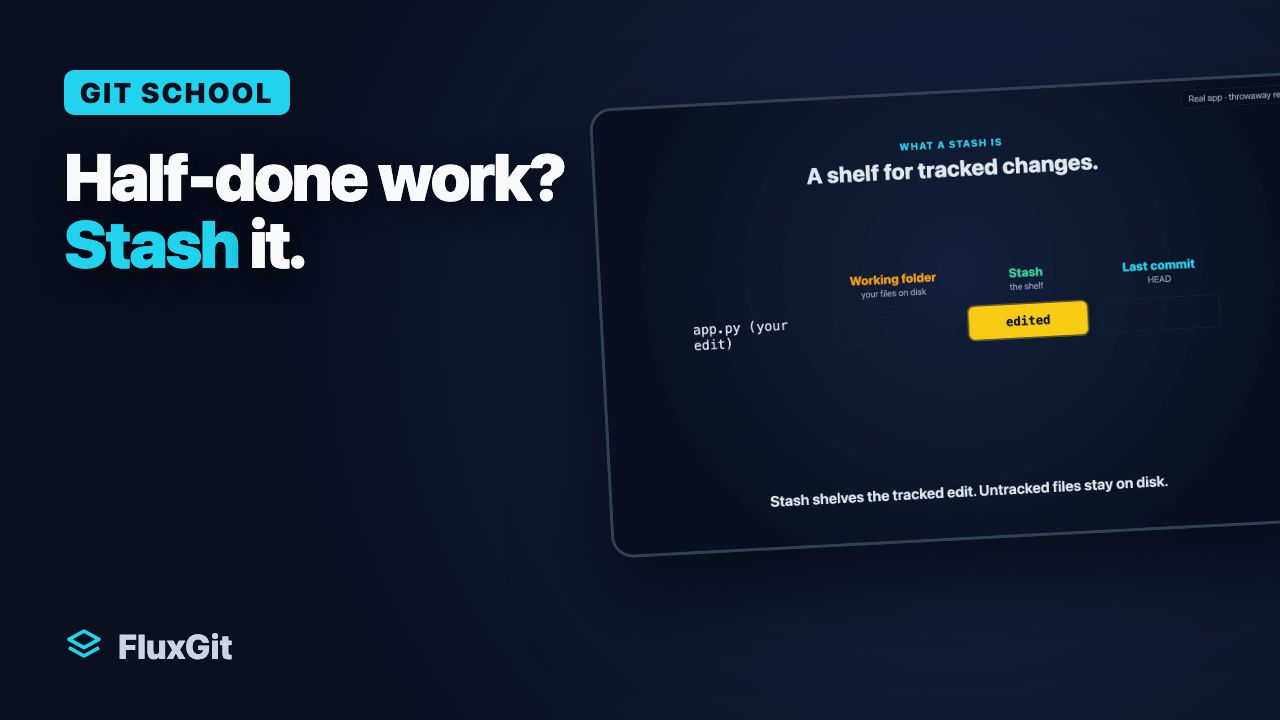
G12You are halfway through a change on main and need to fix something on the hotfix branch now.
Put your work aside, make the fix on hotfix, come back and get your work back.
 G8b
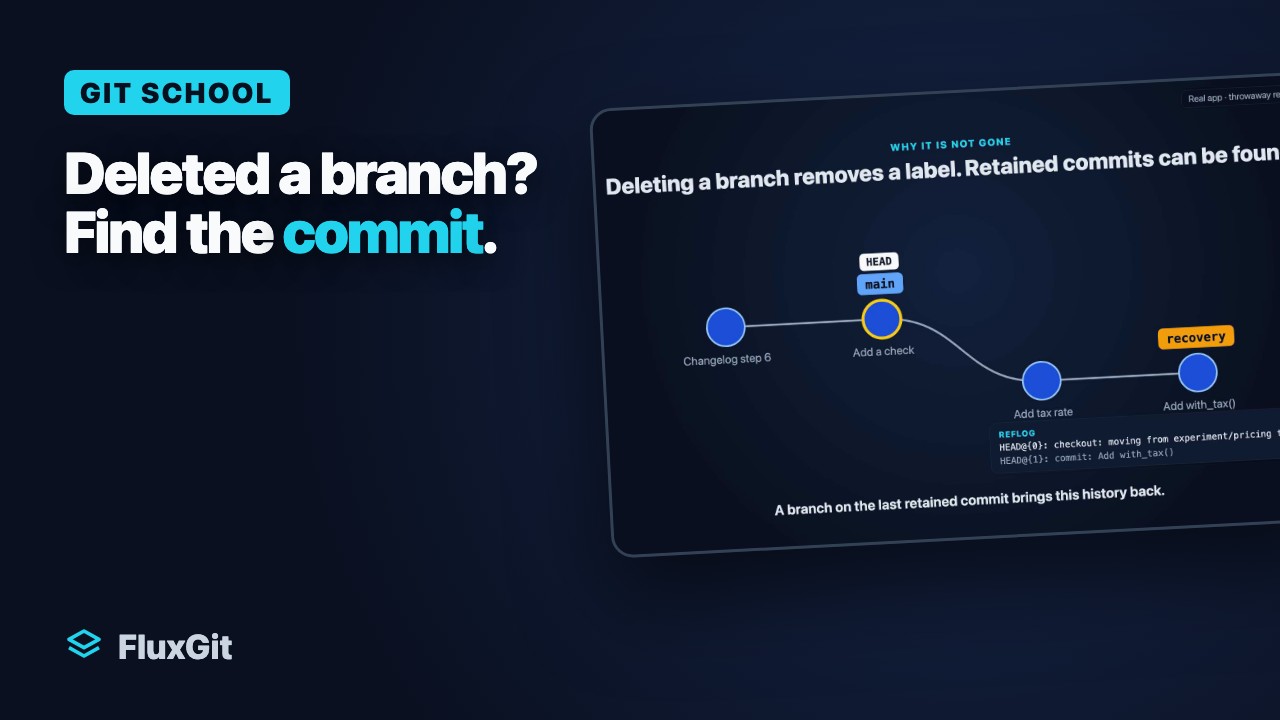
G8bYou deleted feature/search with git branch -D, and it had a commit nobody else has.
Get feature/search back with its commit.
main and feature/title both changed the same line of index.html.
Goal: Merge feature/title into main and keep a title you choose.
Practice uses a simulated repository in your browser memory. It does not access your files or connect to a real remote repository.
This simulator supports a subset of Git commands. Unsupported commands explain their limits in the terminal.
git merge feature/title
cat index.html
echo "<h1>Our Best Shop</h1>" > index.html
git add index.html
git commit --no-edit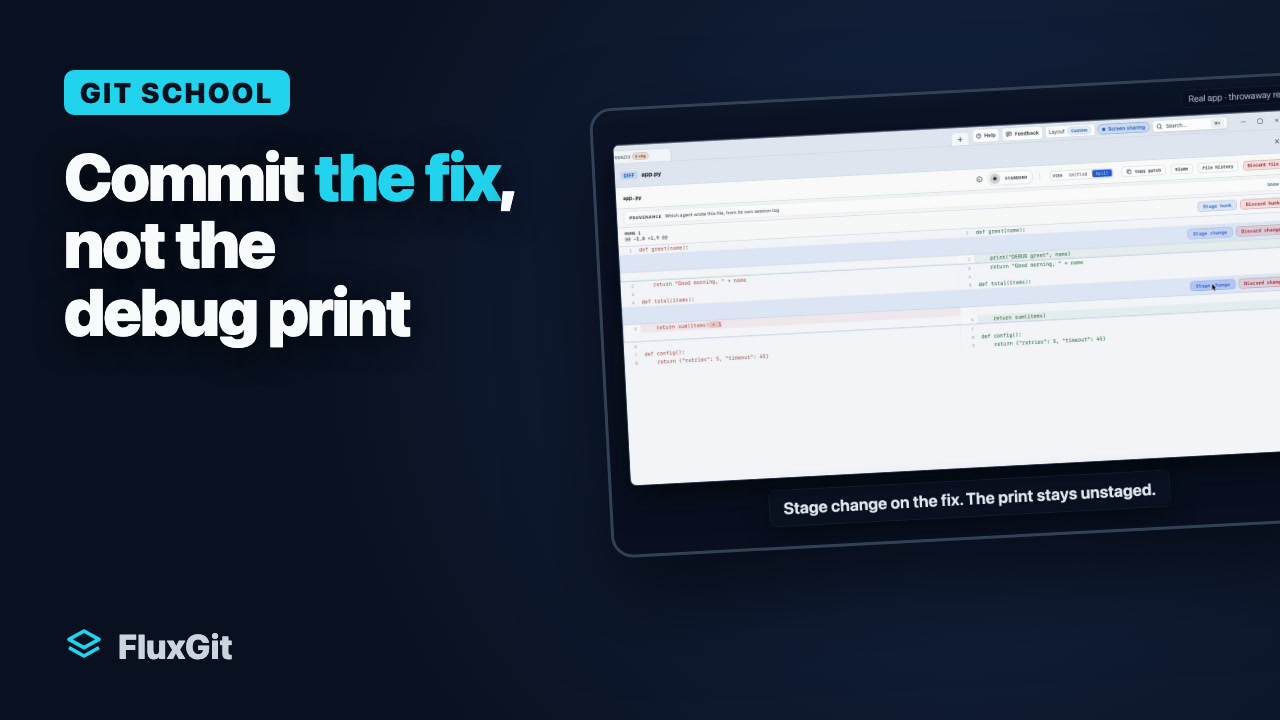
Follow two edits in one file: stage the fix, inspect the staged change, and commit it while the debug print stays in the working tree. The narration also explains the equivalent intent with git add -p.
Read the guideWatch the tutorial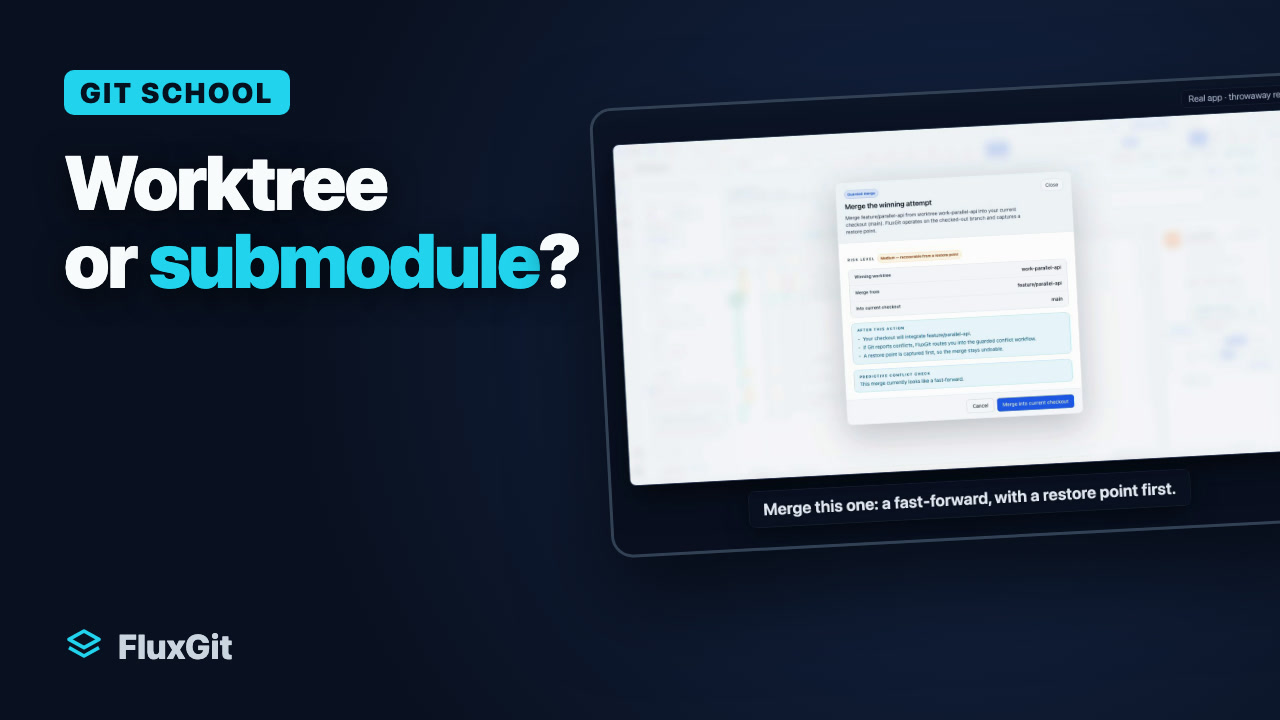
Worktree or submodule? They solve different problems. A worktree is a second working folder of the same repository. A submodule is another repository, pinned inside yours.
Read the guideWatch the tutorialFix everyday Git problems in an interactive repository. Try the commands, see the graph change, and continue with the guide and video.
Download FluxGit